Section 01
Start with your service, then choose the system
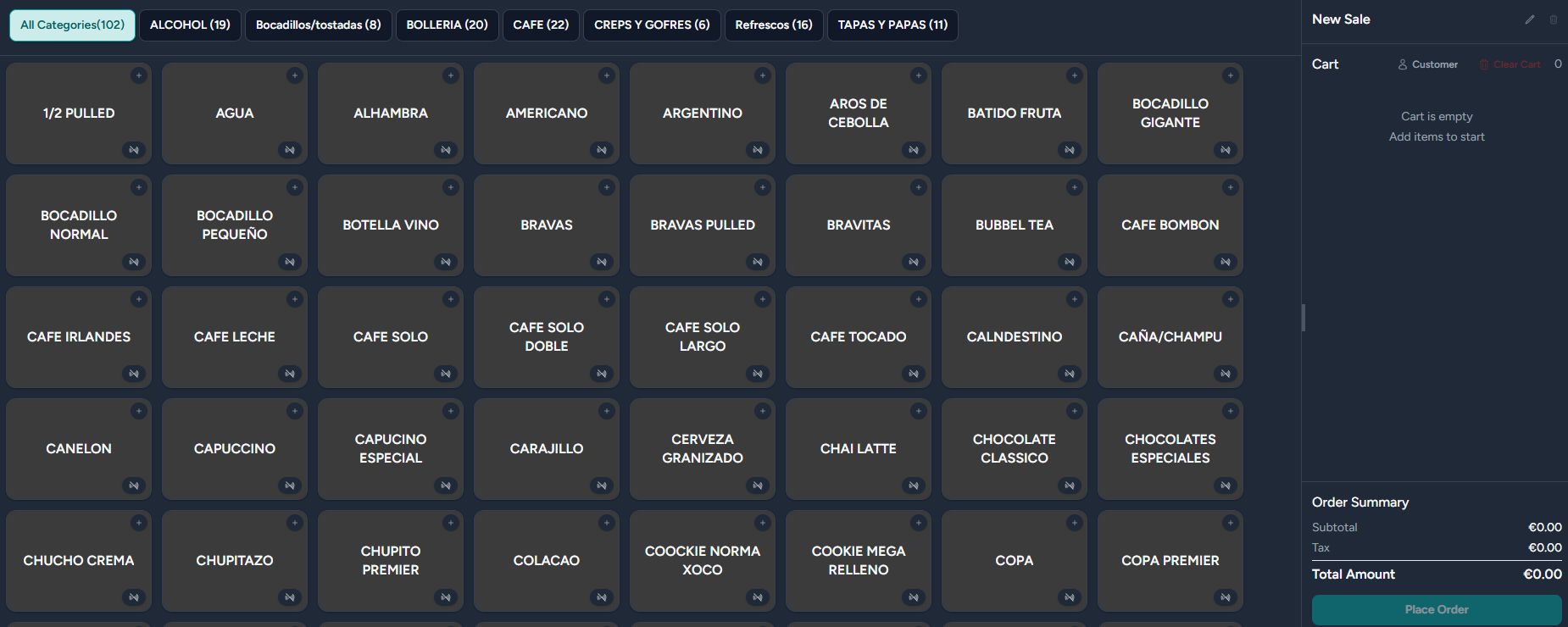
A restaurant POS has to follow the way your team serves guests. Before comparing screens, write down one normal service from arrival to closing. Include who takes the order, where preparation happens, how changes reach the kitchen and who takes payment. Use real examples from your own venue.
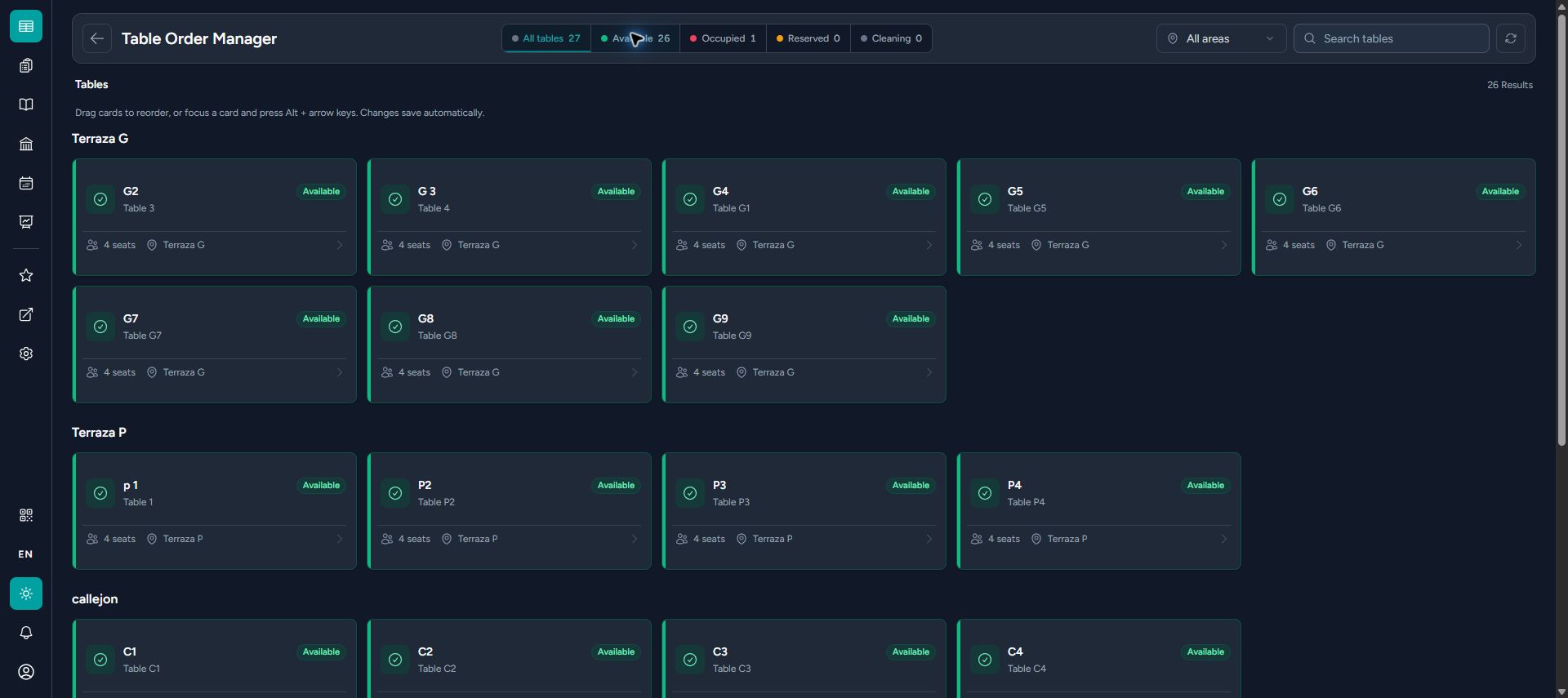
For table service, test open tables, courses, transfers and split payments. At a café counter, test modifiers, takeaway and receipt speed. A delivery operation needs clear channel identification and a reliable handover. If you combine these models, demonstrate them together. A workflow that looks simple in isolation can become confusing when several channels share one kitchen.
Section 03
Compare cloud and local responsibilities
Cloud and local describe where a system runs; they do not tell you whether your full service works during a connection problem. Ask the supplier to explain the proposed installation, its network needs and the recovery procedure. Request a demonstration of the actual supported behaviour. Do not assume a local device means independent offline ordering, payments or fiscal issuance.
| Decision | Cloud proposal: ask who… | Local proposal: ask who… |
|---|---|---|
| Server and updates | Hosts the service and schedules changes | Maintains the server and installs updates |
| Backups and recovery | Provides backups, exports and restore support | Checks backups and tests a restore |
| Connection problems | Explains supported service and recovery steps | Explains local network and external dependencies |
Section 04
Prove the hardware in your venue
A hardware list should identify device models, quantities and their jobs. Mark the counter terminal, waiter devices, receipt printer, kitchen stations and any customer display. Confirm supported operating systems, printer connections, paper sizes and local connectors. Reusing equipment can help, but include compatibility checks and any replacement costs in the proposal.
Print a mixed order and check each station receives the right items and notes. Test the real receipt layout and scan any required QR code on paper. Check screen readability, charging points, network coverage and safe placement in busy areas. Assign a person to report a failed device and agree the supported fallback procedure before launch.
Section 05
Agree access, records and country requirements
Define what a cashier, supervisor and owner each need to do. Test refunds, discounts, cash adjustments and access to reports using those roles. Ask where approvals and activity records appear. Shared administrator access makes it harder to understand who performed a sensitive action.
Confirm the business country, currency, taxes and required invoice workflow with your adviser and supplier. Fiscal modules depend on the configured country and their own setup. For a Spanish VERI*FACTU proposal, review the exact software version, producer declaration and Test-to-Production checks separately. A sales demo does not settle your business obligations.
Section 06
Compare a complete proposal
Give every supplier the same scope: venues, devices, users, ordering channels and essential modules. Separate initial work from recurring charges. Include hardware, installation, data preparation, training, support, payment providers and integration charges where relevant. Ask which items come from an external provider and which commercial terms apply.
Request written assumptions for adding another terminal or location, changing modules and exporting data when leaving. Compare like-for-like totals over the same period, using confirmed quantities and fees. A low starting price is difficult to assess when migration or support remains undefined. Keep optional items visible so you can make a deliberate decision about them.
Section 07
Use this checklist in your demo
Ask a member of your service team to carry out the actions. Note what works, what needs configuration and what the supplier must confirm. End with a named owner for menu preparation, equipment checks, training and launch support.
- Enter a real order with a modifier and a preparation note; check the kitchen destination.
- Move a table or split a payment, then inspect the resulting bill and payment records.
- Process an authorised refund and count a register using the roles your team will use.
- List unresolved compatibility, provider, fiscal and cost questions in the written proposal.